Android & iPhone
Your wholesale store, one tap away.
Scan once and add My Gadget Adda to your home screen. Your installed experience updates automatically with the website.
Products, cart and checkout
WhatsApp wholesale ordering
Automatic website updates
Protected admin access
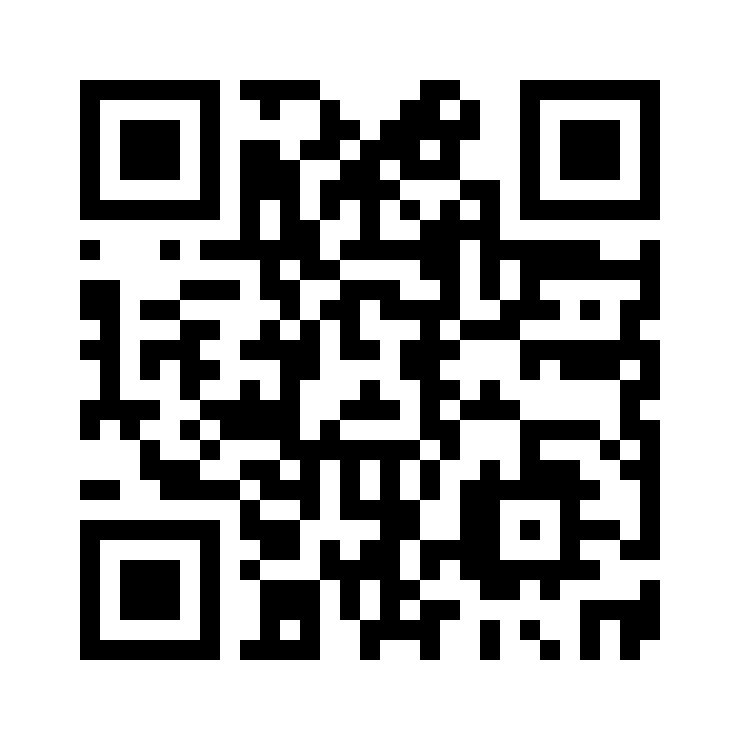
Scan with your phone
mygadgetadda.com/install
Android
Install on Android
- 1. Open this page in Chrome.
- 2. Tap Install App below. If unavailable, use Chrome menu → Add to Home screen.
- 3. Open My Gadget Adda from the home screen.
iPhone / iOS
Install on iPhone
- 1. Open this page in Safari.
- 2. Tap the Share button .
- 3. Tap Add to Home Screen, then tap Add.
- 4. Open My Gadget Adda from the home screen.
This installs the website experience from Safari. It does not download an IPA or App Store application.
Ready to demonstrate?
Open the installed app and show products, cart, checkout and WhatsApp ordering.
Open Products